How AI Reports Save Time: Every Little Helps
It is 6pm, the last car is out, and you are hunched over a laptop turning scribbled notes and three blurry photos into something you would actually send a customer. Twenty minutes later you have a PDF that is... fine. It does the job, but it has already cost you the evening.
TL;DR
- Manual inspection reports take ~20 minutes to write and polish; AI turns notes + photos into a structured work-item draft in under 60 seconds.
- Branded, photo-led reports increase customer approval on recommended work.
- The real win is compounding: 10 reports a week × 19 minutes saved = 3+ hours back, plus fewer "can you explain this?" calls.
The Problem
Every garage knows inspection reports win trust. Drivers cannot see under the ramp, so they judge you on what you show them. A clear, photo-led report is the difference between "do I really need this?" and "yes, go ahead — I can see why."
The trouble is, the way most reports are made steals the very time you are trying to save. Techs scribble on job cards, take photos on personal phones, then someone — often you — has to retype it all, crop images, add tread depths, format a PDF and make it look professional. Do that ten times a week and you have lost half a day to admin, usually in the evening when you should be off the clock.
Worse, rushed reports look rushed. Typos, dark photos, missing tyre pressures and "NSF advisory" with no context do not inspire confidence. Customers stall, ask for a second opinion, or simply don't reply. The ramp waits, the diary slips, and you end up being a designer instead of a garage owner.
How It Works
AI reporting flips the workflow: capture loosely, publish professionally.
- Capture as you work. Snap photos and a quick walk-around video on any device. Add voice notes or short text: "Front pads 3mm, disc lip, tyre 2.8mm nearside front, recommend".
- Let AI draft the work items. The model turns your notes into structured work items with titles, descriptions and prices, ready for you to review.
- Review and brand. You tweak a line, crop a photo, then hit send. Your logo, colours and footer are applied automatically — every report looks like your garage, not a template.
- Customer sees and approves. The report lands in the portal as a polished report and a mobile-friendly view. One tap to approve, one link to share with a partner — no "can you resend that Word doc?" needed.
Why It Matters
Time is the one stock you cannot reorder. If a tech or service advisor spends 20 minutes per report and you send 12 reports a week, that is four hours gone — every week — just turning notes into PDFs. AI collapses that to under a minute of review, before sending a genuinely better product.
Garage Buddy garages report saving hours each week on inspection and video report admin, consistent with wider industry findings. McKinsey's research on generative AI estimates major time savings on routine documentation tasks — and vehicle inspections are classic routine documentation — McKinsey — Generative AI could enable labour productivity growth.
And quality moves the needle. Branded, photo-led inspection reports deliver higher approval rates versus plain text or phone-only explanations, because customers can see the evidence and trust the professionalism. That is not upselling; it is showing your working — and customers reward it.
A clear photo with a one-line explanation beats a five-minute phone call — branded AI reports turn "Do I need this?" into "Yes, please go ahead."
Garage Buddy in Action
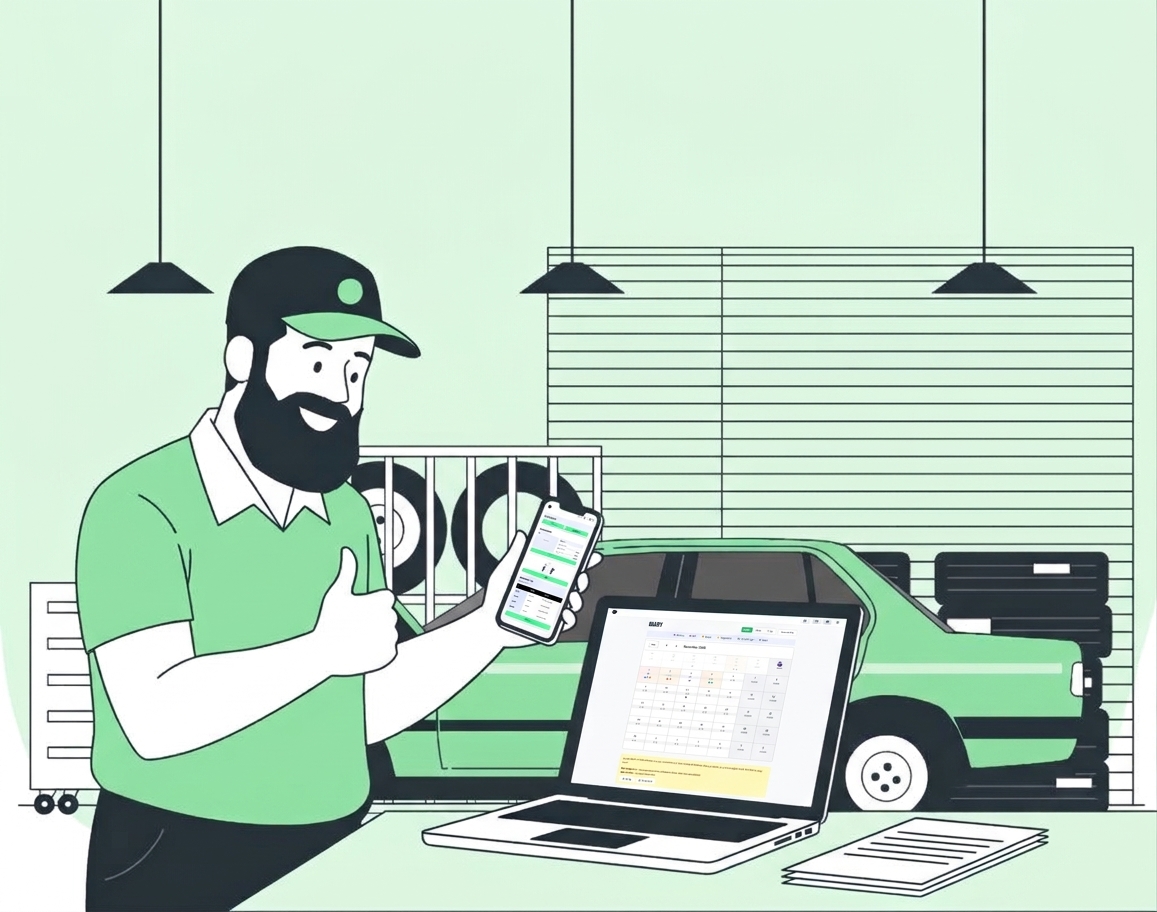
In Garage Buddy, AI Reports live where the job lives. From the diary, open the job, add photos, tap "Generate Report" and watch your scribbles become tidy structured work items: vehicle header, mileage, tech name, photo grid with captions and next steps. Edit anything in place — depth gauges, tyre pressures, advisory wording — and send via portal and SMS/email link in one tap.
Set your disclaimer once, and the report always carries your garage's branding and portal link. No extra software, no exporting to Canva, no late-night formatting.
Screenshot placeholder — Garage Buddy AI Report: branded header, photo evidence, and structured work items ready to send. Replace with a real anonymised report before publishing.
The result is reports you are proud to send — in the time it used to take to find the USB cable.
Subtle Details / Pro Tips
- Lead with the photo, follow with the line. A close-up of a 3mm pad with "3mm — legal limit 1.5mm, recommend within 1,000 miles" is worth more than a paragraph.
- Record a 20-second voice note, not a 5-minute essay. AI turns "OSR tyre worn on inner edge, tracking check advised" into a polished line — you stay on the ramp longer.
- Add one "good news" per report. "Brakes good, battery strong" builds trust so advisories don't feel like a sales pitch.
- Reuse the report as content. With permission, anonymised before/after shots are your best social proof — one report can be a Facebook post that books three jobs.
Common Mistakes to Avoid
- Trying to make it perfect before sending. The AI draft is 90% there — tweak and send. Chasing pixel perfection burns the time you just saved.
- Using dark, uncropped photos. Wipe the lens, turn the flash on, fill the frame with the part, not the ramp. A good photo halves the need for explanation.
- Forgetting the approval button. If a customer has to call to say yes, you have added friction. Every report link should have a one-tap "Approve" and an optional "Call to discuss".
Ready to Reclaim Your Evenings?
Every little helps — and in a busy workshop, little five-hour wins are the ones that compound. Let AI do the polishing while you do the spannering.
Start your 30-day free trial — generate your first branded report in under a minute, free training included. Prefer to see it on your own photos? WhatsApp us a set of notes + pics and we'll turn them into a report live.
About the Author
Written by Garage Buddy Team — We handle the report admin so you can handle the ramp. Built with and for independent garages across the UK.